Restore Old Photos with AI — Fix Scratches and Colorize
Give a family photo another chapter. Use AI to help repair scratches, fading and softness, with optional colorization for black & white pictures.
Tip: scan prints at 600 dpi or photograph them flat in daylight, without glare.
Creating your photo…
- Uploading
- Creating your photo
- Finishing touches
Usually 15–25 seconds. You can close this tab — your photo will be in My photos.
Your preview is ready
This preview is watermarked. Unlock the full-resolution photo — no watermark.
That didn't work
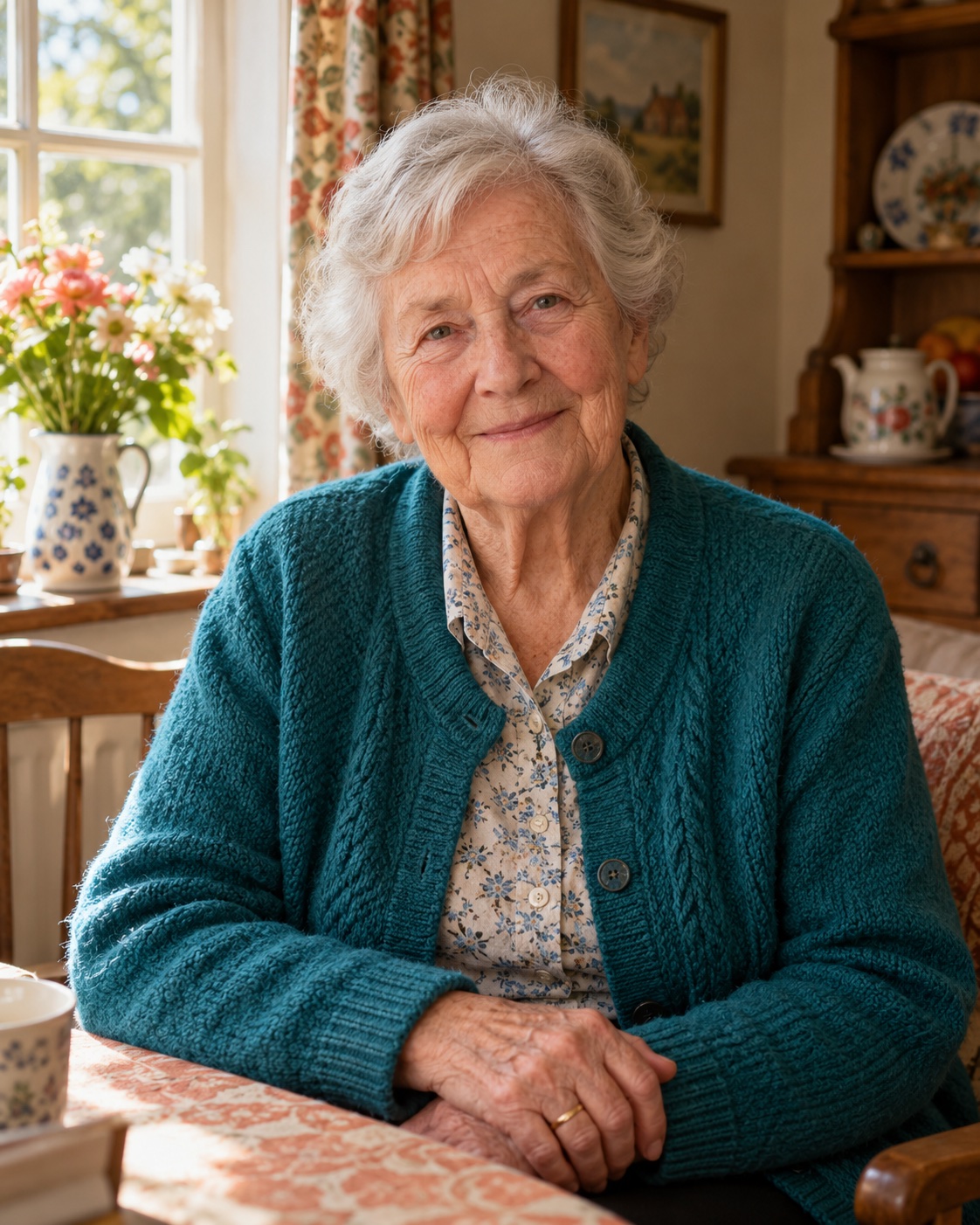 BeforeAfter
Repairs the damage, keeps the memory
The model is instructed to preserve the people, pose and composition while repairing damage. Reconstructed details may differ from the original. Turn on Colorize when you want an estimated color version.
Illustrative AI artwork with a simulated before effect. Your results depend on the original photo.
Photos worth saving
Grandparents' wedding photos
Remove the creases and silvering, sharpen the faces, and print a fresh copy for the family.
Faded 70s and 80s prints
Color prints from that era turn orange or magenta. Restoration rebalances color and contrast.
Memorials and anniversaries
Get a clean, sharp portrait for a service, slideshow or anniversary card — fast.
How to restore an old photo with AI
Old photographs can combine scratches and creases, fading and color shifts, and soft detail. AI restoration aims to address those problems in a single generation while preserving the composition. Missing details are reconstructed estimates, so compare the result with your original, especially around faces.
- Digitize the print. Scan it, or photograph it flat in soft daylight with your phone held parallel to it.
- Upload and choose Colorize if you want color. Leave it off to request the original black & white or sepia look. Each generation uses 1 credit; choose a pack first if needed.
- Compare and download. Check the result with the before/after slider, then download the full-resolution file.
Tips for the best results
- Scan, don't photograph, if you can. A scanner gives even lighting and no perspective distortion. 600 dpi is plenty for standard prints.
- Remove the frame and glass. Glass adds reflections the AI may treat as damage.
- Crop tight. Remove the album page, borders and table so the AI focuses on the photograph itself.
- Try with and without Colorize. Some photos look more authentic restored in their original tones.
What restoration can't do
- Recover faces that are gone. If water damage or a tear has erased most of a face, the AI can only invent a plausible one. It won't be a faithful likeness.
- Know the real colors. Colorization chooses believable colors, not historically verified ones.
- Fix extreme blur. Mild softness is sharpened as part of restoration; strong motion blur is better handled by Unblur.
Respecting your family's photos
Old photos are personal. Your uploads are stored privately, used only to create your result, never used to train AI models, and deleted automatically after 7 days. There's no account and no subscription: you pay per restored photo with credits that never expire, and you can share the restored file with relatives however you like.
Restoration questions
How do I digitize an old print?
A flatbed scanner at 600 dpi is ideal. With a phone, place the print flat near a window in indirect daylight, hold the phone parallel to it, and avoid flash and glare. Crop out the background before uploading.
Is colorizing accurate?
Colorizing is an educated guess: the AI picks natural, period-appropriate skin, sky and fabric tones. It can't know that a dress was actually blue. If true colors matter, leave Colorize off.
Can it fix torn or missing pieces?
Small tears, creases and missing corners are usually filled in convincingly. Large missing areas — especially across a face — can only be guessed, so expect an approximation there.
Will the faces still look like my relatives?
The model is instructed to preserve identity and repair damage, but faded, missing or tiny facial features may be reconstructed inaccurately. Each generation uses 1 credit; inspect the result before printing or sharing. See the refund policy for clearly broken results.
How much does restoration cost?
Each restored photo uses 1 credit, including optional colorization. Packs start at $4.99 for 3 credits. Creating a result from your own photo requires a paid credit; there is no free personal preview on the current plans.
Can I print the restored photo?
Yes. Download the HD file. Print quality depends on the detail in your original and the size of the print.
More ways to improve your photos
Your sharpest photo is one upload away
No sign-up, no subscription. 1 credit = 1 HD photo, and credits never expire.
Upload a photo