Unblur Image Online — Fix Blurry Photos with AI
Give a soft photo another chance. Upload a portrait, pet photo or everyday memory, and let AI help sharpen faces, edges and textures.
Tip: a clear, well-lit photo where the face fills most of the frame gives the best result.
Creating your photo…
- Uploading
- Creating your photo
- Finishing touches
Usually 15–25 seconds. You can close this tab — your photo will be in My photos.
Your preview is ready
This preview is watermarked. Unlock the full-resolution photo — no watermark.
That didn't work
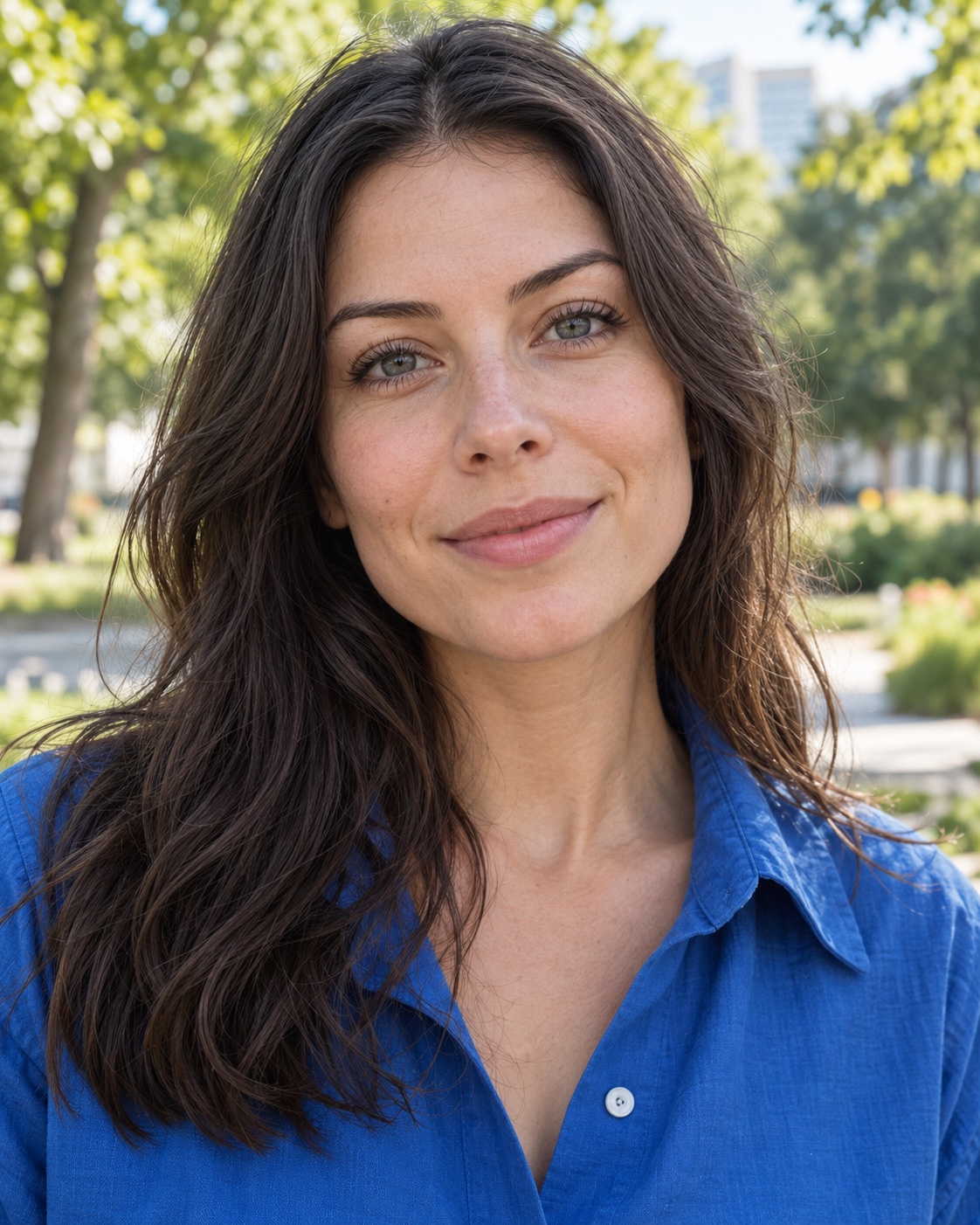 BeforeAfter
Sharper detail, same moment
The model is instructed to preserve identity, expression and composition while improving clarity. Results vary with the original photo; compare your actual result before using it.
Illustrative AI artwork with a simulated before effect. Your results depend on the original photo.
When to use Unblur
Kids and pets that won't sit still
Try improving softness around a familiar face, a playful jump or a moment you couldn't pause.
Low-light and indoor shots
Give a soft restaurant, party or family photo a clearer finish. Start with the best original file you have.
Missed focus on a group photo
Try sharpening faces when the camera focused elsewhere. Small or heavily blurred faces may still lose accuracy.
How to fix a blurry photo with AI
AI unblur reconstructs plausible detail from a soft image. That can help with eyes, hair, fabric and edges, but it also means that reconstructed details are estimates. SharperAI asks the model to keep the original composition and identity while improving clarity. Start with a recognizable subject and check the finished image carefully.
- Upload your photo. Tap the box above, drag a file in, or paste a screenshot with Ctrl/⌘+V. JPG, PNG, WebP and iPhone HEIC all work.
- Tap “Unblur my photo”. Each generation uses 1 credit. If you need credits, choose a one-time pack first, then return to create your photo.
- Download HD. Each photo uses one credit and comes as a full-resolution file with no watermark.
Tips for the best results
- Start from the original file. Photos forwarded through chat apps are compressed each time. The original from your camera roll has more information for the AI to work with.
- Crop to what matters. If the person is small in a wide shot, crop closer before uploading. The AI spends its attention on what fills the frame.
- Don't pre-sharpen. Sharpening filters add halos and noise that the model has to undo. Upload the untouched photo.
- Use the best of a burst. If you have several similar shots, pick the one where the face is clearest, even if the rest is blurrier.
What Unblur can't fix
AI is powerful, but it can't recover information that was never captured. Be realistic with these cases:
- Extreme blur. If you can't tell who the person is in the original, the model can't either. It may produce a sharp face that doesn't quite look like them.
- Tiny faces in huge scenes. A face that is only a few pixels wide doesn't hold enough detail to restore faithfully.
- Text and license plates. Unblur is tuned for people and natural textures. Don't rely on it to read unreadable text; it may guess.
- Intentional blur. The model is instructed to preserve the composition, but it may alter background softness. Check areas you want to keep unchanged.
Why SharperAI
There's no account to create and no subscription to cancel. Credits never expire, and the same credits work across old photo restoration and our seasonal portrait styles. Uploads are deleted automatically after 7 days and are never used to train AI models.
A grandparent's birthday, a first step, the only picture from a trip: some photos deserve another chance. Pay for the photos you want to create, and keep unused credits for later. See the one-time credit packs before you begin.
Unblur questions
Can AI really unblur a photo?
AI can improve softness and reconstruct plausible detail, especially when the subject is still recognizable. It cannot verify details that were never captured. Extreme blur may produce an inaccurate result.
Will it change my face?
The model is instructed to preserve your identity, colors and composition, but reconstructed features can differ, especially in very blurry or small faces. Check your result carefully. For a clearly broken result, see our refund policy.
How much does it cost?
Each full-resolution, watermark-free photo costs 1 credit. Packs start at $4.99 for 3 credits and credits never expire.
Does it work on screenshots or video frames?
Yes, you can upload a screenshot or an exported video frame as a supported image file. Improvement depends on its size, compression and remaining detail. Use the original photo whenever you have it.
Is my photo private?
Your photo is stored privately, processed only to create your result, never used to train models, and deleted automatically after 7 days.
More ways to improve your photos
Your sharpest photo is one upload away
No sign-up, no subscription. 1 credit = 1 HD photo, and credits never expire.
Upload a photo